YouTube's 2026 upload recommendation and the public image files available after publishing are not the same thing. The current Help Center recommends a 3840 × 2160 source for standard videos and 2160 × 3840 for Shorts. A public video can still expose smaller thumbnail derivatives, each with its own dimensions and sometimes a different aspect ratio. A useful downloader lists only the files that actually exist.
The 2026 upload recommendation
For standard videos, YouTube currently recommends a thumbnail as large as possible, specifically 3840 × 2160 pixels at 16:9 with a minimum width of 640 pixels. For Shorts, the recommendation is 2160 × 3840 at 9:16 with a minimum height of 640 pixels. Desktop uploads may be up to 50 MB for video, Shorts, and podcast thumbnails; the mobile limit for video thumbnails remains 2 MB.
Those numbers describe the creator's upload source. They do not promise that a 3840 × 2160 file can be retrieved from the public thumbnail CDN for every published video.
The common thumbnail resources
The largest common resource is maxresdefault, often 1280 × 720 pixels. Its 16:9 frame gives you the most detail to inspect when that file is available.
sddefault is commonly 640 × 480, while hqdefault is commonly 480 × 360. Both are 4:3 files, so YouTube may letterbox or otherwise adapt a 16:9 composition inside them. mqdefault is commonly 320 × 180 and default is commonly 120 × 90.
Why maxres can be missing
Older uploads, generated thumbnails, live content, and videos without a suitable source image may lack a maxres resource. Constructing the expected URL is not proof that the file exists. The server checks the response before offering a download.
YTThumbFetcher first reads the thumbnail resources listed on the public video object. If metadata is temporarily unavailable, it probes a fixed set of known image paths. This fallback does not turn the tool into a general-purpose image proxy.
Aspect ratio versus file dimensions
The working canvas for a standard YouTube video thumbnail is 16:9. A 1280 × 720 image follows that ratio exactly. Some derivative resources use 4:3 dimensions even though the underlying video is widescreen. Treat those files as delivery variants rather than alternate design canvases.
When reviewing a composition, preserve the complete 16:9 image. Do not judge text spacing from a card that uses object-fit: cover and silently crops the edges. The downloader preview uses each resource's actual ratio and contains the image rather than cropping it.
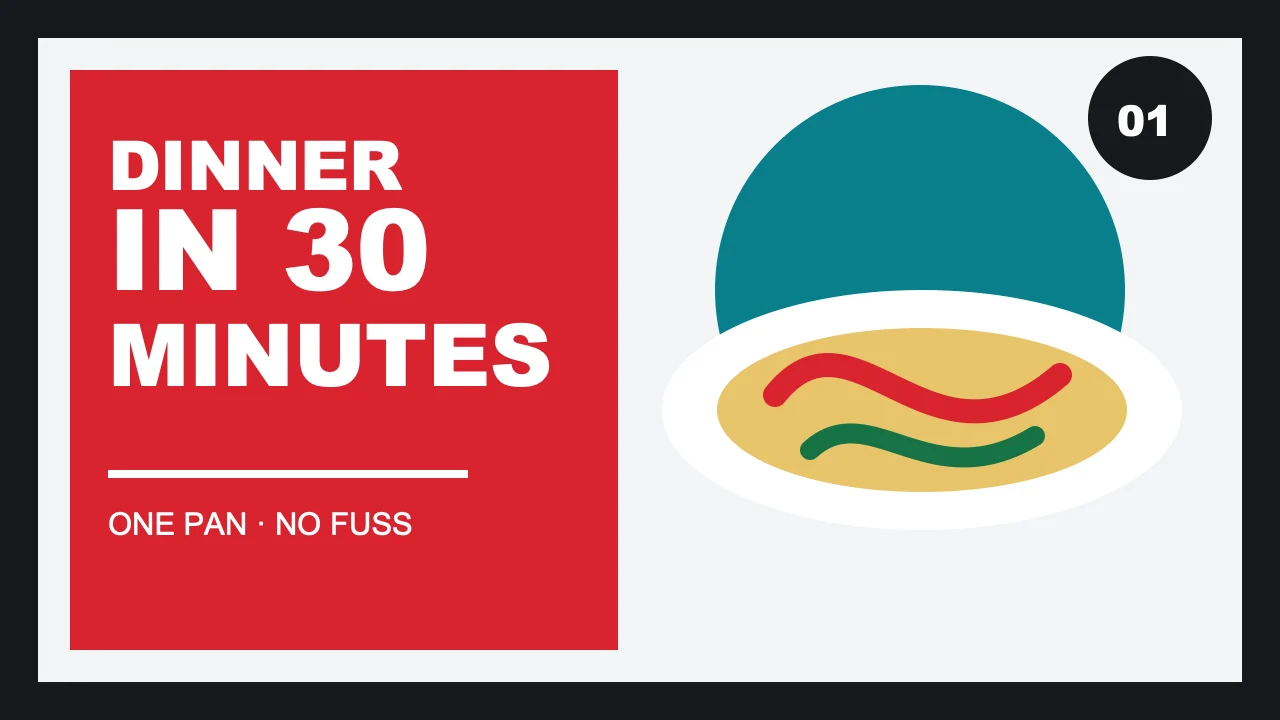
Checks before upload
- Use YouTube's current 3840 × 2160 recommendation for a standard-video source when your publishing workflow supports it.
- Keep critical type and faces away from the extreme edges where product UI or crops can compete.
- Export a reasonably compressed JPG, PNG, or supported format that stays inside YouTube's upload limit.
- Inspect the uploaded result rather than assuming the source and delivered derivative look identical.
- Review at compact sizes such as 320 × 180 and approximately 168 × 94.
File format is not the creative decision
JPG is efficient for photographic scenes. PNG can preserve hard edges and flat graphics, usually at a larger file size. Neither format repairs the composition. Set the subject, tonal separation, and readable type before export.
What the downloader reports
Each result includes the variant name, width, height, preview endpoint, and a same-origin download endpoint. The server sets a content-disposition header so a download behaves as a download instead of merely opening Google's image host in another tab.